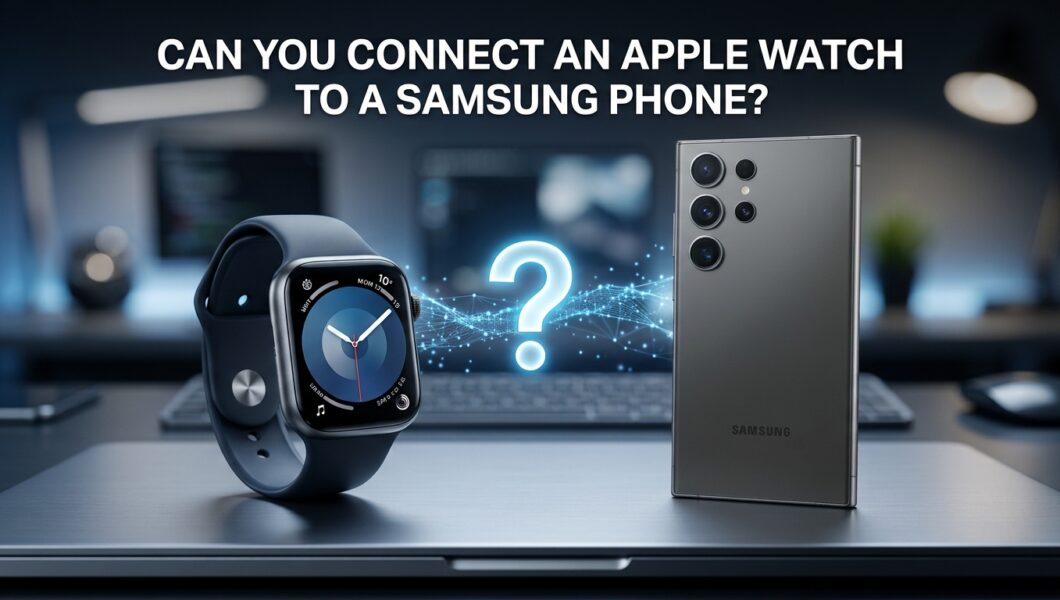
You’ve got a Samsung phone, and you’ve also got your eye on an Apple Watch (or you already own one and just switched sides). Naturally, you’re wondering whether the two will work together.
Here’s the honest answer, and then we’ll look at what you can actually do about it.
Quick Answer: Can an Apple Watch Work With a Samsung Phone?
No. An Apple Watch can’t be set up or used properly with a Samsung phone, or any other Android phone. It needs an iPhone to get started, and it leans on that iPhone for most of what makes it useful.
Here’s how that breaks down:
| Feature | With a Samsung phone | With an iPhone |
| Initial setup and pairing | Not possible | Yes |
| Notifications from your phone | No | Yes |
| Calls and texts | No | Yes |
| Installing and managing apps | No | Yes |
| Software updates | No | Yes |
| Syncing health and fitness data | No | Yes |
| Using it as a basic watch | Only if already set up | Yes |
Short version: without an iPhone, an Apple Watch is an expensive wristband. The good news is there are plenty of smartwatches that do play nicely with Samsung phones, and we’ll get to them.
Why Apple Watch Needs an iPhone
This isn’t a bug or an oversight. It’s how Apple designed the whole thing. Three reasons stand out:
- Setup runs through the iPhone. The first time you turn on an Apple Watch, you pair it using the Watch app on your iPhone. There’s no way around that step, and there’s no equivalent app for Android.
- Apple wants you in its ecosystem. The Apple Watch works with iMessage, iCloud, Apple Health, Apple Pay, and other iPhone services. Keeping it iPhone-only is a big reason people stay in the Apple world.
- There’s no Android version of the Watch app. Apple has never released one, and there’s no sign that’s changing.
In other words, it’s not that your Samsung is too old or doing something wrong. The watch just isn’t built to talk to it.
What Happens If You Try Anyway?
You may have read online that you can get around the limit, so let’s be direct about it.
Can you pair it over Bluetooth like a pair of headphones? No. The Apple Watch doesn’t show up as a regular Bluetooth device you can connect to an Android phone.
What about the “workarounds” people mention? You’ll find forum posts and a few third-party apps claiming to make it work. In practice, they don’t deliver a usable experience. You’ll run into things like:
- No reliable notifications
- Missing or broken features
- Apps that don’t work as advertised
There are also real downsides to installing unofficial tools on your phone. You’re giving random apps access to your notifications, contacts, and messages, which isn’t a great trade for a watch that still won’t work properly. Our advice: skip the hacks.
Can You Use an Apple Watch Without an iPhone at All?
Sort of, but not the way you’d want.
Family Setup. Apple has a feature that lets a family member, like a kid or older relative, use an Apple Watch without their own iPhone. But someone in the family still has to own an iPhone to set it up and manage it. So it doesn’t solve the Samsung problem. It just means the wearer doesn’t need an iPhone, while the manager still does.
An already-set-up watch. If a watch was paired to an iPhone in the past, it can still do some basic things on its own, like telling time. Cellular models can do a bit more. But without an iPhone around for updates and syncing, you’ll lose features over time, and you’d have a hard time getting the full experience back.
Already Own an Apple Watch and Switching to Samsung?
This one’s common, especially if you’re moving from iPhone to Samsung. You’ve got a few options.
Option 1: Keep an iPhone around. If you have an old iPhone in a drawer, you can keep using the Apple Watch with it. It’s not the neatest solution, since you’d be carrying two phones, but it works if you don’t want to part with the watch.
Option 2: Sell it. This is the most popular route. Apple Watches hold their value pretty well, and you can put that money toward a watch that works with your Samsung.
Option 3: Swap to a different smartwatch. Pick one of the Android-friendly watches below and enjoy a setup that actually works.
How to unpair and reset your Apple Watch before selling
Do this before the watch goes to its new owner:
- Unpair it from your iPhone while you still have it. This also removes Activation Lock, which would otherwise make the watch unusable for the buyer.
- If you no longer have your iPhone, you can still erase the watch directly. On the watch, go to Settings, then General, then Reset, then Erase All Content and Settings.
- Remove the watch from your Apple ID using iCloud.com’s Find My feature, so the Activation Lock is gone.
If you skip that last step, the buyer won’t be able to set the watch up, and you’ll probably get an angry message.
Tips for getting a decent price
- Clean the watch and bands well and take clear, well-lit photos
- Include the original charger and box if you still have them
- Mention the model, size, and whether it’s GPS or cellular
- Check recent sold listings to price it realistically
Best Smartwatch Alternatives for Samsung Phones
If you want a smartwatch that actually works with your Samsung phone, here are the best places to look.
Samsung Galaxy Watch. The easiest choice. It’s made by the same company as your phone, so pairing is smooth and features like Samsung Health work right out of the box. Some of its health tools work best, or only, with Samsung phones.
Google Pixel Watch. A great option if you like Google’s software. It works with Android phones, including Samsung, and has a clean, simple design. Fitbit features are built in, which fitness fans will appreciate.
Garmin. If fitness and battery life are your priorities, Garmin is hard to beat. Many models last days or even weeks on a charge, and Garmin works with both Android and iPhone.
Amazfit. The budget favorite. Amazfit watches pack a lot into a low price, with solid battery life and a good set of fitness features. They work with Android and iPhone too.
Budget picks. If you don’t want to spend much, entry-level models from Amazfit and other brands cover the basics well: notifications, step counting, heart rate, and sleep tracking.
Apple Watch vs. Galaxy Watch: Quick Comparison
| Apple Watch | Galaxy Watch | |
| Works with Samsung phones | No | Yes |
| Works with iPhone | Yes | Not really |
| Setup | iPhone required | Android phone required |
| Best for | iPhone users | Samsung and Android users |
| Health tracking | Excellent | Excellent, with the best experience on Samsung phones |
| App ecosystem | Apple’s App Store | Google Play on the watch |
| Price | Generally higher | Wide range, many options |
If you’ve got a Samsung phone, the Galaxy Watch is the natural pick. If you’ve got an iPhone, the Apple Watch is. Mixing them is where things go wrong.
Which Option Is Right for You?
- On a budget? Look at Amazfit or an older Galaxy Watch model. You’ll get plenty of features without the Apple price.
- Fitness fan? Garmin is the one to beat for serious tracking and long battery life.
- Just want something that works? A Galaxy Watch or Pixel Watch will give you the least hassle.
- Samsung loyalist? Go with the Galaxy Watch and enjoy the tightest integration with your phone.
- Love your Apple Watch too much to let go? Keep an iPhone around for it, or accept that this one’s staying in iPhone land.
FAQs
Can an Apple Watch connect to Android through Bluetooth?
No. It doesn’t pair with Android phones the way regular Bluetooth devices do, and setup requires an iPhone.
Can I use an Apple Watch with a Samsung phone for notifications only?
No. Notifications come through the paired iPhone, so there’s no official way to get them on a Samsung phone.
Will Apple Watch ever support Android?
There’s no sign of it. Apple has kept the Watch tied to the iPhone for years, and it’s a big part of how Apple keeps people in its ecosystem.
Can I track my workouts on an Apple Watch with a Samsung phone?
Not in any practical way. Workout data syncs to Apple Health on an iPhone, and there’s no Android equivalent.
Can a Galaxy Watch work with an iPhone?
Not really. Galaxy Watches are built for Android, so if you have an iPhone, an Apple Watch or a watch from a brand like Garmin or Amazfit is a better match.
Conclusion
So, can you connect an Apple Watch to a Samsung phone? No. It’s built for iPhones, and there’s no good way around that.
But that’s not a dead end. If you’re buying, grab a smartwatch that’s made to work with your phone. Samsung Galaxy Watch, Pixel Watch, Garmin, and Amazfit all give you a smooth experience without the headaches. And if you already own an Apple Watch, you can keep it with an iPhone, or sell it and put the money toward something that fits your Samsung perfectly.
Whichever way you go, a watch that works with your phone beats an expensive one that doesn’t.