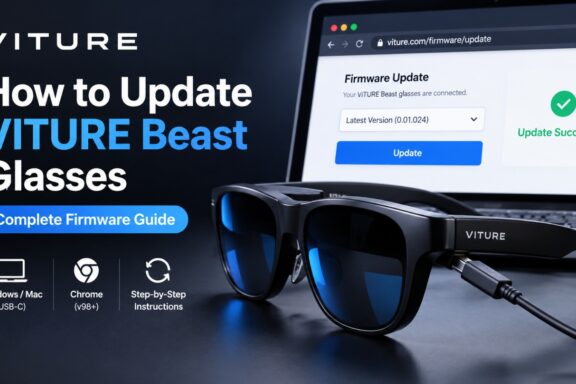
Connect your VITURE Beast glasses to a Windows PC or Mac using USB-C, open VITURE’s official firmware updater in Google Chrome, select the firmware version you want, and wait until the update is complete. Do not disconnect the glasses during the process. After updating, VITURE recommends recalibrating the IMU. Why Update Your VITURE Beast? VITURE recommends keeping the glasses’ firmware…
