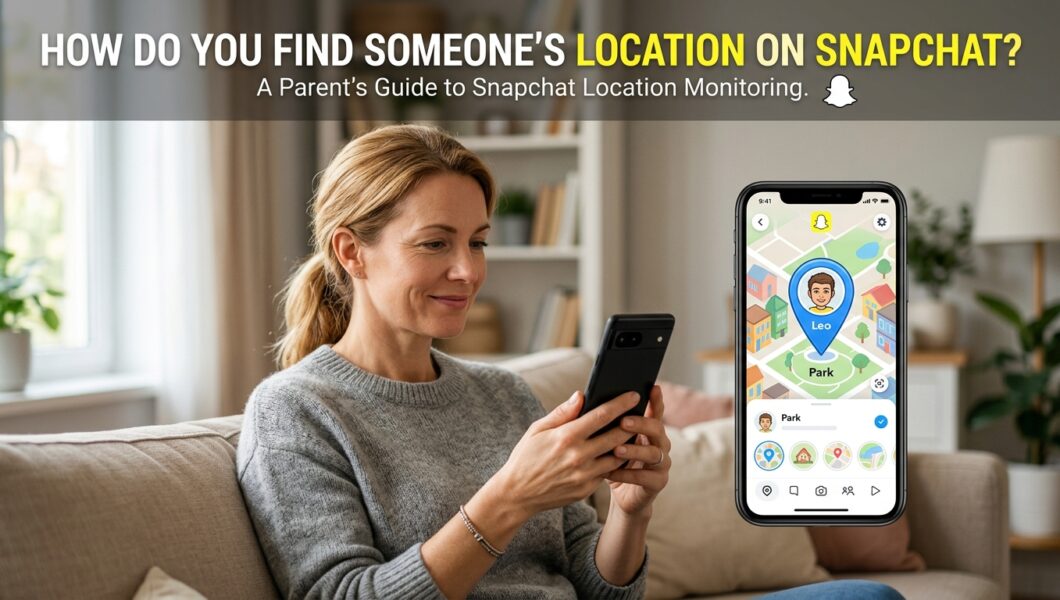
Snapchat is one of the most popular social media apps among teenagers. While it offers fun features for sharing photos and videos, many parents worry about their children’s safety when using the platform. One common question I often hear is: “How do you find someone’s location on Snapchat?”
The answer depends on several factors, including privacy settings, mutual permissions, and whether location sharing is enabled. As a parent, understanding how Snapchat’s location features work can help you keep your child safe from online risks and unwanted interactions.
In this guide, I will explain how Snapchat location tracking works, how Snap Map functions, and what parental monitoring options are available for concerned parents.
Knowing where your child is can provide valuable peace of mind, especially when they spend time away from home or travel independently. Although social media platforms offer basic location-sharing features, they are not designed specifically for child safety. Many families instead rely on GPS tracking apps for parents that provide accurate location updates, geofencing alerts, and other tools to help keep children safe.
How Snapchat Location Sharing Works
Snapchat includes a built-in feature called Snap Map that allows users to share their location with friends.
When location services are enabled on a device and the user grants Snapchat permission, their location may appear on Snap Map. However, users can control who sees their location through privacy settings.
Location visibility options include:
- All Friends
- Selected Friends
- Only Me (Ghost Mode)
If Ghost Mode is enabled, no one can see the user’s location on Snap Map.
Can You Find Someone’s Location on Snapchat?
The Short Answer
You can only see someone’s Snapchat location if:
- They have location sharing enabled.
- You are allowed to view their location.
- They have recently opened Snapchat.
Snapchat does not provide a way to secretly track someone’s location without their knowledge or permission.
This privacy-focused approach helps protect users from unauthorized tracking.
Method 1: Using Snap Map
The easiest way to view a Snapchat user’s location is through Snap Map.
Steps to Check a Location on Snap Map
- Open Snapchat.
- Pinch the camera screen with two fingers.
- Open Snap Map.
- Search for the friend’s username.
- If location sharing is enabled, their Bitmoji will appear on the map.
Keep in mind that Snap Map only displays the last known location when the user last opened Snapchat.
Method 2: Checking Shared Live Location
Snapchat offers a Live Location feature for selected friends.
This feature allows users to temporarily share their real-time location for a specific period.
To view a shared live location:
- Open the chat with the friend.
- Tap their profile.
- Look for the Live Location section.
If they are sharing their location with you, Snapchat will display it directly.
Why Parents Worry About Snapchat Location Sharing
Problem
Many parents are unaware that their children may be sharing their location with friends or even large groups of contacts.
This can create safety concerns such as:
- Unwanted attention from strangers.
- Real-world stalking risks.
- Exposure of daily routines.
- Increased vulnerability when traveling alone.
Many teenagers enable features without fully understanding the privacy implications.
Solution
Parents should regularly discuss privacy settings with their children and review how location sharing works on Snapchat.
Education and open communication remain the first line of defense.
How Parents Can Monitor Snapchat Activity Responsibly
While Snapchat’s built-in tools provide some visibility, parents often want broader insights into their child’s online behavior.
One option many families consider is using a parental control monitoring app.
Using mSpy for Parental Monitoring
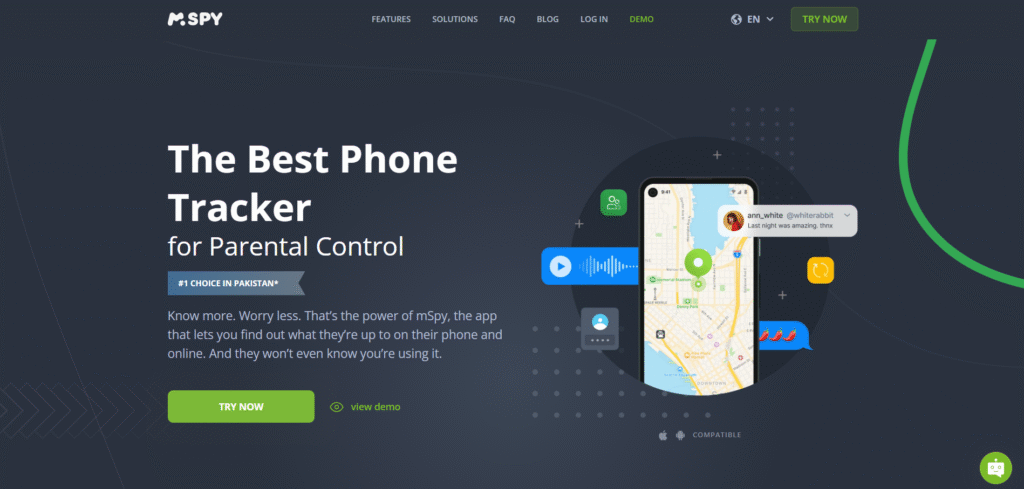
mSpy is a parental control monitoring app designed to help parents supervise their children’s digital activities.
Depending on the selected plan and device compatibility, parents may use mSpy to monitor:
- Social media activity
- Text messages
- GPS location information
- Screen activity
- Online behavior patterns
The purpose of such tools should always be child safety and responsible digital parenting rather than invading privacy unnecessarily.
Before using any monitoring solution, parents should ensure they follow applicable laws and maintain open communication with their children.
Try mSpy – Monitor Your Child For Online Safety
Best Practices for Parents
To keep children safe while using Snapchat:
- Review Snapchat privacy settings together.
- Teach children about location-sharing risks.
- Encourage strong friend-list management.
- Discuss online safety regularly.
- Consider parental control tools when appropriate.
- Keep device software updated.
A balanced approach helps children enjoy social media while reducing potential risks.
Parents who want additional visibility into their children’s online activities often explore dedicated monitoring solutions. Among the available options, mSpy is frequently mentioned for its comprehensive parental control features. If you want a deeper look at its capabilities, pricing, and real-world performance, check out this mSpy Review to see what makes users choose it over other monitoring apps.
Frequently Asked Questions
Can I track someone’s Snapchat location without them knowing?
No. Snapchat requires users to enable location sharing before others can view their location.
Does Snap Map show real-time location?
Not always. It generally displays the user’s most recent location when they last opened Snapchat.
What is Ghost Mode?
Ghost Mode hides a user’s location from everyone on Snap Map.
Can parents monitor Snapchat activity?
Parents can supervise Snapchat usage through communication, privacy settings, and parental control monitoring apps such as mSpy.
Conclusion
If you are wondering how to find someone’s location on Snapchat, the most important thing to understand is that Snapchat prioritizes user privacy. You can only view a location when the person chooses to share it with you through Snap Map or Live Location.
For parents, the goal should not be secret tracking but responsible digital guidance. By understanding Snapchat’s location features, teaching online safety habits, and using trusted parental control monitoring solutions like mSpy when necessary, you can help your child navigate social media more safely and confidently.