The first time my child started going out alone with a phone in hand, I felt two things at once: relief and worry.
Relief because I knew we could stay connected.
Worry because, even with a phone, so much can happen in a day. A missed call. A dead battery. A change of plans I didn’t know about.
If you’re a parent, you probably know that feeling.
You want to give your child freedom. But you also want peace of mind.
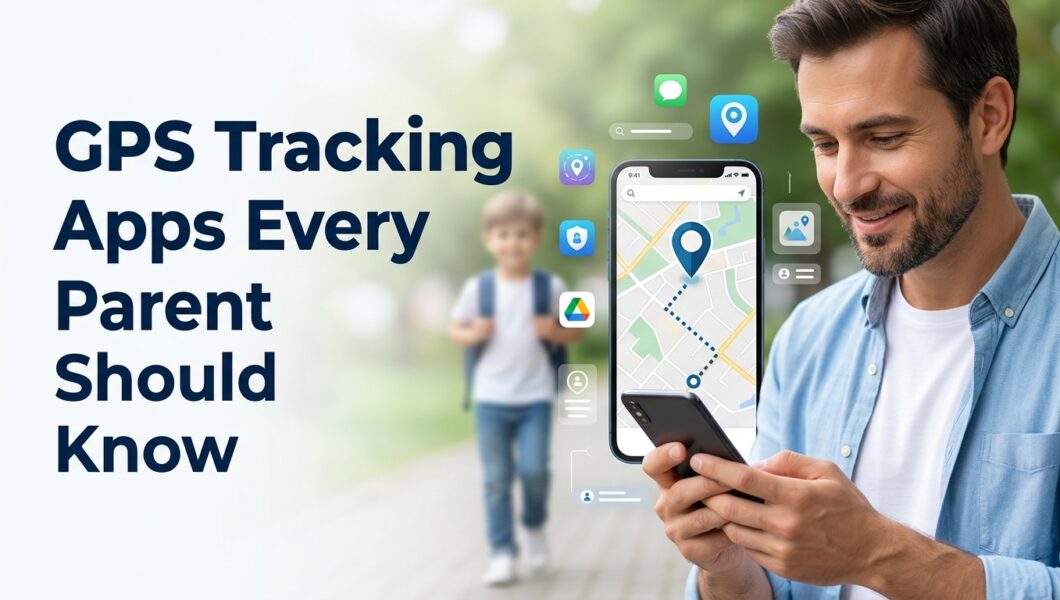
That’s exactly why GPS tracking apps have become so helpful for modern families.
These apps are not about controlling every step your child takes. They’re about knowing they’re safe, being able to reach them when needed, and feeling less anxious while they’re out in the world.
For a broader view of digital parenting tools, explore our list of the best parental control apps in 2026 for monitoring children’s phones and online activities.
Here are some GPS tracking apps every parent should know and what makes each one useful.
Why Parents Use GPS Tracking Apps Today
Kids are more independent than ever. They go to school on their own, visit friends, attend activities, and spend time outside the home more frequently.
That independence is important.
But so is safety.
A GPS tracking app helps bridge that gap.
Parents commonly use these apps to:
- Check whether a child arrived safely at school
- See their real-time location during the day
- Get alerts when they enter or leave certain places
- Find a phone if it’s lost
- Stay connected during emergencies
For many families, it simply removes unnecessary stress.
Instead of wondering where your child is, you can open the app and know.
GPS Tracking Apps
uMobix
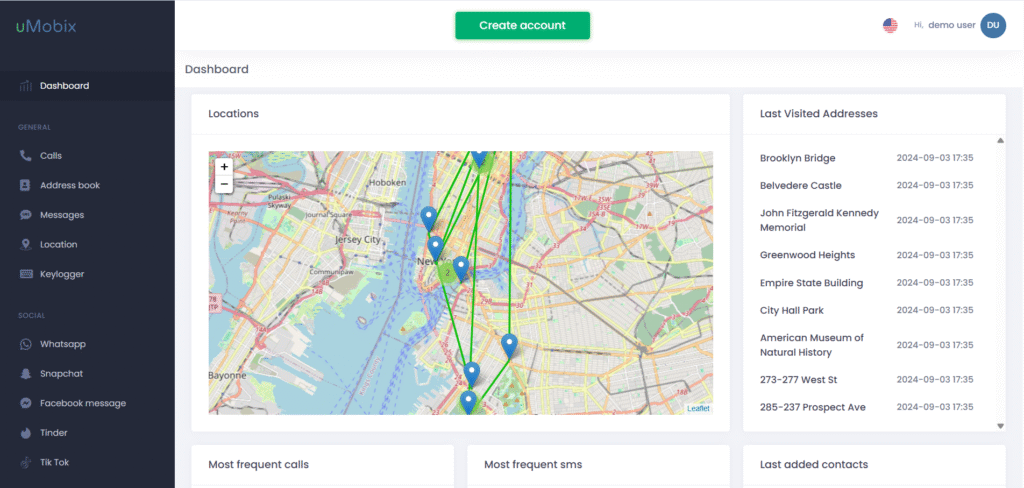
uMobix is one of the GPS tracking apps many parents choose when they want both location tracking and broader phone monitoring in one place.
Its GPS feature lets parents view a child’s current location and check where the device has been throughout the day through location history. That can be useful when a child is traveling to school, visiting friends, or returning home later than expected.
What makes uMobix especially helpful is that it goes beyond GPS. Parents can also keep an eye on phone activity, which creates a more complete picture of both physical and digital safety.
Key features include:
- Real-time GPS location tracking
- Route and location history
- Geofencing support
- Phone activity monitoring
- Social media monitoring tools
For parents who want location visibility along with digital parenting support, uMobix is often a strong option.
Try uMobix – Monitor Your Child For Online Safety
mSpy
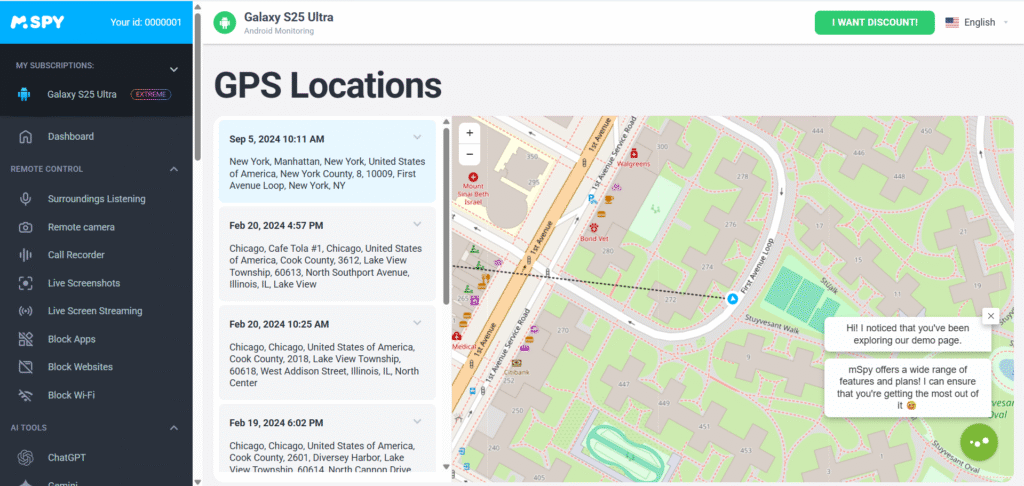
mSpy is one of the best-known monitoring apps in the parenting space, and GPS tracking is one of its most practical features.
Parents can view a child’s live location, review location history, and create geofencing alerts for places like school, home, tuition centers, or sports practice.
One thing many parents appreciate is the automatic alerts when their child arrives at or leaves a selected place. Instead of checking constantly, the app notifies you.
Key features include:
- Live GPS location updates
- Location history timeline
- Geofence alerts
- Movement tracking
- Parental monitoring dashboard
mSpy works well for parents who want dependable location tracking with easy-to-read reports.
If mSpy sounds like the right option for your family, check out our detailed mSpy review where we break down its GPS tracking tools, monitoring features, setup process, and overall experience for parents.
While GPS tracking apps provide comprehensive location monitoring, many parents are also curious about social media location features. If you’re wondering how Snapchat’s location-sharing system works, this guide explains how to find someone’s location on Snapchat using Snap Map and other built-in features.
Eyezy
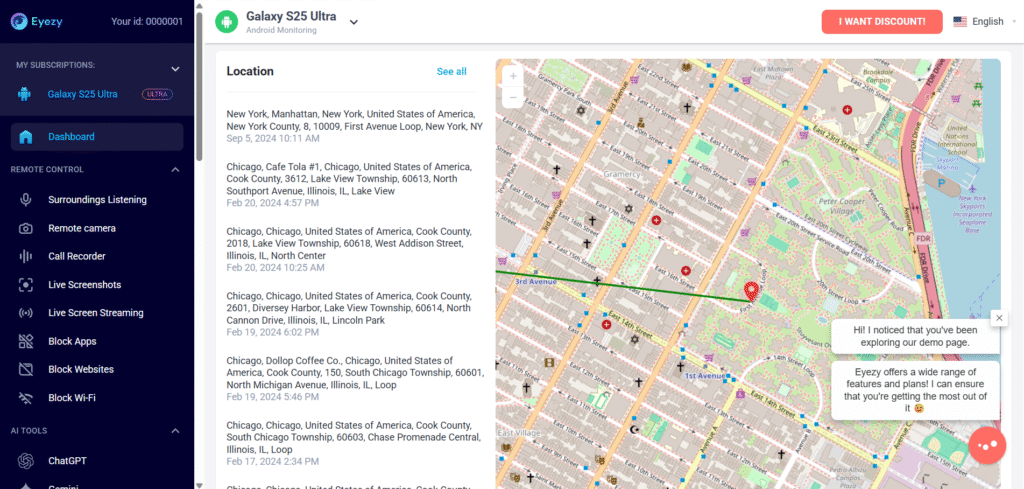
Eyezy combines GPS tracking with a clean and modern user experience, which makes it appealing for parents who prefer something simple to navigate.
Its location tracking tools help parents check where their child is in real time and review previous movements from earlier in the day.
Many parents like that the dashboard feels less overwhelming while still offering detailed tracking information.
Key features include:
- Real-time GPS tracking
- Location history
- Visited places timeline
- Geofencing notifications
- Mobile activity monitoring
Eyezy can be a great fit for parents who want strong tracking features without a complicated setup.
If you’re considering this app for your family, you can read our detailed Eyezy review to explore its GPS tracking features, dashboard experience, setup process, and whether it’s the right fit for parents in 2026.
Spynger
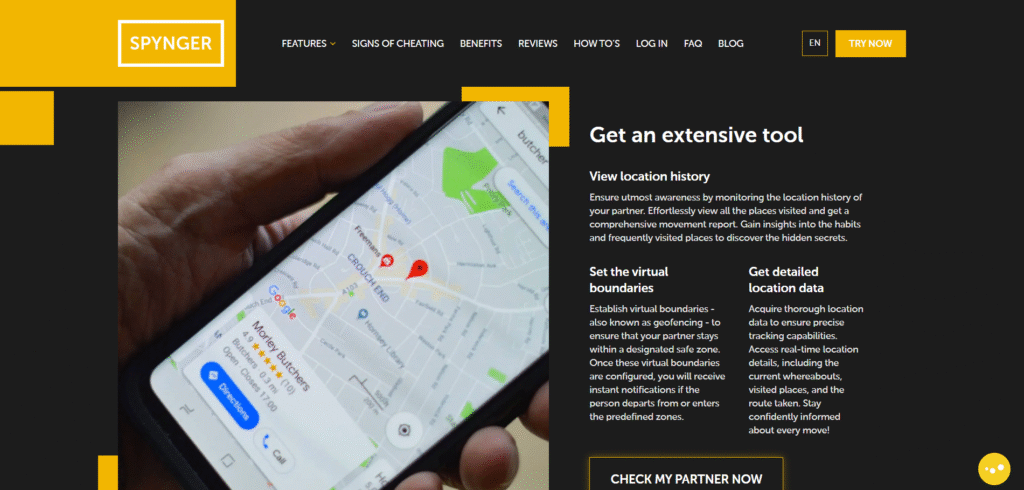
Spynger is another monitoring app that includes GPS location tracking as part of its parental monitoring toolkit.
Parents can use it to check the live location of a child’s phone and review movement history over time. This helps when you want reassurance that your child reached school safely or arrived at a destination without needing repeated calls or texts.
Spynger focuses on giving parents clear access to important information while keeping tracking simple.
Key features include:
- Live GPS location tracking
- Location history access
- Route monitoring
- Activity tracking
- Easy-to-manage dashboard
For parents who want a practical GPS tracking app with extra monitoring support, Spynger is worth knowing about.
Parentaler
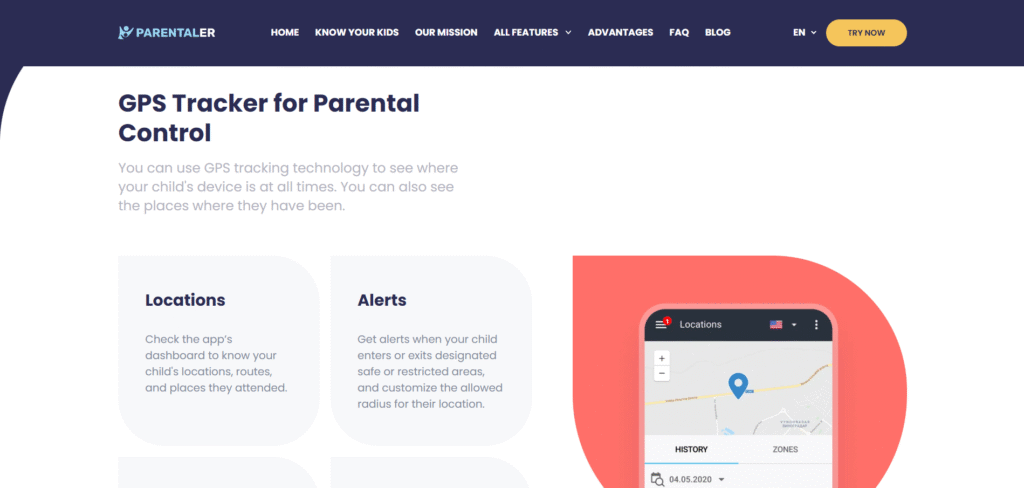
Parentaler is designed specifically for digital parenting, and GPS tracking is one of its core features.
It helps parents stay informed about their child’s location while also supporting healthier device habits and safer online activity.
Parents can check where their child is, review past movements, and receive alerts related to important locations. It’s built with family safety in mind, which makes it especially useful for everyday monitoring.
Key features include:
- Live GPS location tracking
- Location history reports
- Geofencing alerts
- Screen monitoring tools
- Family-focused parental controls
Parentaler is often a good choice for parents who want both location tracking and broader digital parenting support in one app.
Google Family Link
For parents looking for a free option, Google Family Link is often one of the first apps to try.
It’s especially useful for Android families.
Besides location tracking, it also gives parents screen-time tools and app management features.
You can:
- See your child’s device location
- Manage screen time
- Approve or block app downloads
- Set device usage limits
If your main goal is basic location visibility and digital supervision, it can be a strong starting point.
What to Look for in a GPS Tracking App
Not every family needs the same features.
Choosing the right GPS tracking app depends on what matters most to you.
Here are a few things worth considering:
Real-Time Location Accuracy
The app should update location reliably without major delays.
Location History
It helps to know where your child has been throughout the day, not just where they are now.
Geofencing Alerts
Automatic notifications can save you from repeatedly checking the app.
Ease of Use
Parents are busy. The app should feel simple and quick to use.
Privacy and Security
Always choose an app from a trusted company that clearly explains how your data is handled.
Are GPS Tracking Apps Good for Parenting?
This is a question many parents ask.
In my experience, GPS tracking apps work best when they’re used for safety, not surveillance.
Children also value trust.
That’s why open communication matters.
Many parents find it helpful to be honest about using a monitoring app and explain why it’s there.
A simple conversation like “I use this because I care about your safety” can go a long way.
When used with trust and clear boundaries, these apps can actually reduce stress for both parents and children.
Final Thoughts
Parenting in the digital world comes with new challenges.
You want your child to grow, explore, and become independent. At the same time, you want to know they’re okay.
GPS tracking apps can help with that balance.
Whether you choose uMobix, mSpy, Eyezy, Spynger, Parentaler, & Google Family Link, the right app can give you something every parent values deeply.
Peace of mind.
And sometimes, knowing your child got where they needed to be safely is enough to make your whole day feel easier.