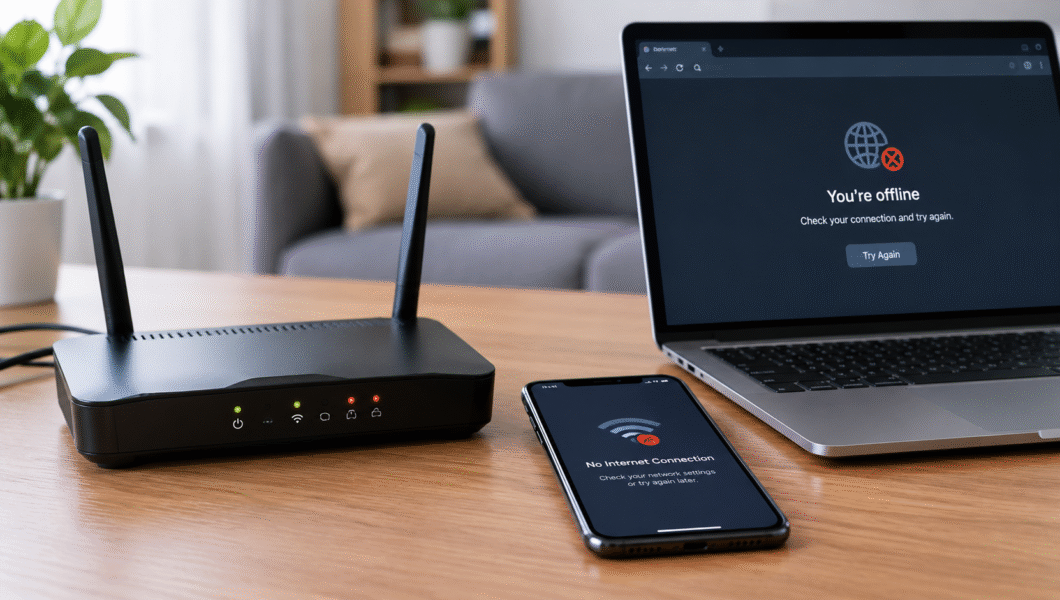
Videos keep buffering, pages crawl, and your online game lags at the worst moment. If you keep asking, “why is my Wi-Fi slow?”, you’re not alone. The cause is often simple: poor router placement, network congestion, outdated equipment, or a problem with your internet provider. Let’s find it and fix it.
Why Is My Wi-Fi So Slow?
Slow internet at home usually comes down to a few common culprits.
Common Reasons for Slow Wi-Fi
- Too many devices connected at once
- A router hidden behind walls or inside a cabinet, causing a weak Wi-Fi signal
- Interference from nearby networks and electronics
- An outdated router or old Wi-Fi equipment
- Internet plan limits or service-provider problems
- Background downloads and software updates
How to Fix Slow Wi-Fi at Home
Try these fixes in order, starting with the easiest.
1. Restart Your Router and Modem
Unplug both, wait 30 seconds, then plug in the modem first and the router second. Give them a few minutes to reconnect.
2. Move Your Router to a Better Location
Place it in a central, elevated, open spot, away from thick walls and enclosed spaces.
3. Disconnect Unused Devices
Pause large downloads and streaming on devices you aren’t using to reduce network congestion.
4. Switch Between 2.4 GHz and 5 GHz Wi-Fi
The 2.4 GHz band reaches farther, while 5 GHz is usually faster at shorter distances. Choose based on how close you are to the router.
5. Check Your Internet Speed
Run a speed test next to the router and compare the result with your plan. Test again in another room to spot signal problems.
6. Update Your Router’s Firmware
Updates can improve security, stability, and performance. Check your router’s app or settings page.
7. Reduce Wi-Fi Interference
Keep the router away from microwaves, cordless phones, and Bluetooth speakers. If your router allows it, try a less crowded Wi-Fi channel.
When Should You Contact Your Internet Provider?
Sometimes the problem is outside your home. Call your provider if:
- Your speed stays far below your subscribed plan
- The connection drops frequently
- Several devices have the same problem
- Warning lights on your router or modem signal a connection issue
If basic troubleshooting doesn’t help, your provider can check the line.
Frequently Asked Questions
Why is my Wi-Fi slow even with full signal bars?
Strong bars show signal strength, not speed. Congestion or provider problems can still slow your connection.
Does restarting a router make Wi-Fi faster?
It can clear temporary glitches, but it won’t fix every underlying problem, such as weak coverage or plan limits.
Why is Wi-Fi slow on one device only?
The cause is often that device: background apps, outdated software, device settings, or older wireless hardware.
How can I improve Wi-Fi speed without buying a new router?
Improve router placement, reduce the number of active devices, and pick the right Wi-Fi band for your distance.
Conclusion
Knowing how to fix slow Wi-Fi saves you time and money. Restart your router, improve its placement, reduce congestion, and run a speed test. Work through these steps in order before upgrading any equipment. Most slowdowns are solved without spending anything.