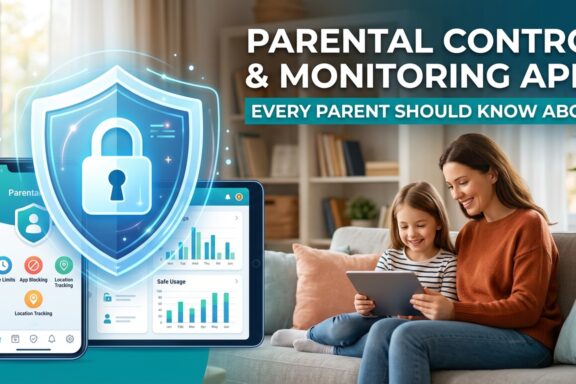
Parents today are dealing with a challenge that did not exist a decade ago. Children spend hours on smartphones, social media apps, gaming platforms, and messaging tools that can expose them to online risks. Many parents want a monitoring solution that helps them stay informed without constantly invading their child’s privacy.
That is where Eyezy enters the conversation.
I decided to test Eyezy to see whether it actually delivers what it promises. After exploring its dashboard, tracking features, installation process, and pricing, I found some areas where it performs really well and a few areas that parents should carefully consider before subscribing.
If you want to explore the multiple options, you can check the best parental monitoring apps for families.
If you are wondering whether Eyezy is worth paying for, this review will help you decide.
What Is Eyezy?
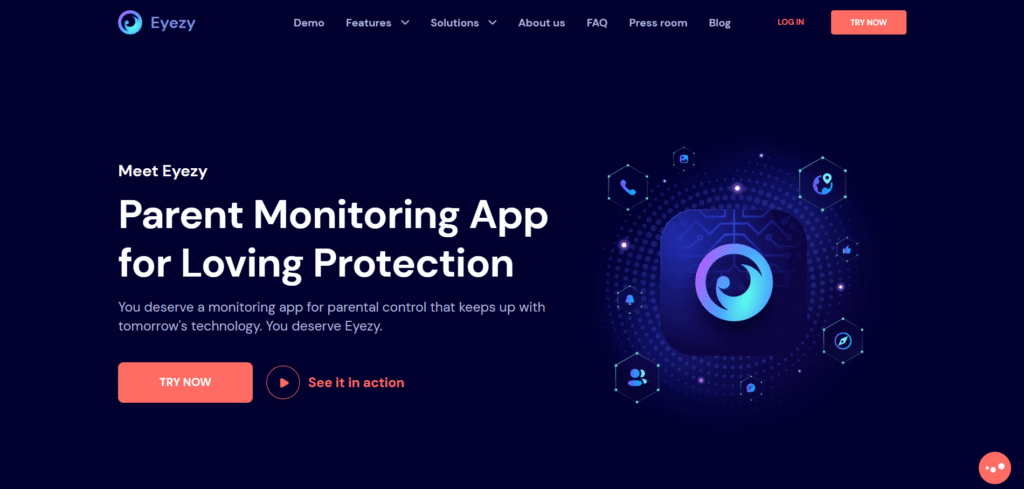
Eyezy is a parental monitoring app designed to help parents track their child’s smartphone activity. It works on both Android and iPhone devices and offers tools for monitoring messages, calls, social media activity, location history, and more.
The platform markets itself as an all-in-one digital parenting solution rather than just a simple phone tracker. That difference matters because modern parenting often requires more than location tracking alone.
Eyezy focuses heavily on ease of use. Its dashboard is designed for non-technical parents who simply want quick access to useful information.
Try Eyezy – Monitor Your Child’s Digital Life
Why Parents Consider Monitoring Apps
Many parents feel overwhelmed by how quickly children adopt new apps and online habits.
A child can install a messaging app, join private groups, or interact with strangers online within minutes. Without visibility into those activities, parents may struggle to identify problems early.
Common concerns include:
- Excessive screen time
- Exposure to inappropriate content
- Cyberbullying
- Online predators
- Secret social media accounts
- Unsafe real-world meetups
This growing digital pressure is exactly why monitoring apps like Eyezy have become popular among parents worldwide.
First Impressions of Eyezy
My first impression of Eyezy was surprisingly positive.
The setup interface looked modern and organized compared to many older monitoring apps that still feel outdated. The dashboard categories were easy to understand, and most features were accessible without digging through complicated menus.
The onboarding process also explains the major tools clearly, which helps beginners feel less intimidated.
That said, installation requirements vary depending on the device type. Android devices generally unlock more monitoring features, while iPhones may have some limitations due to Apple’s privacy restrictions.
Key Features of Eyezy
1. Social Media Monitoring
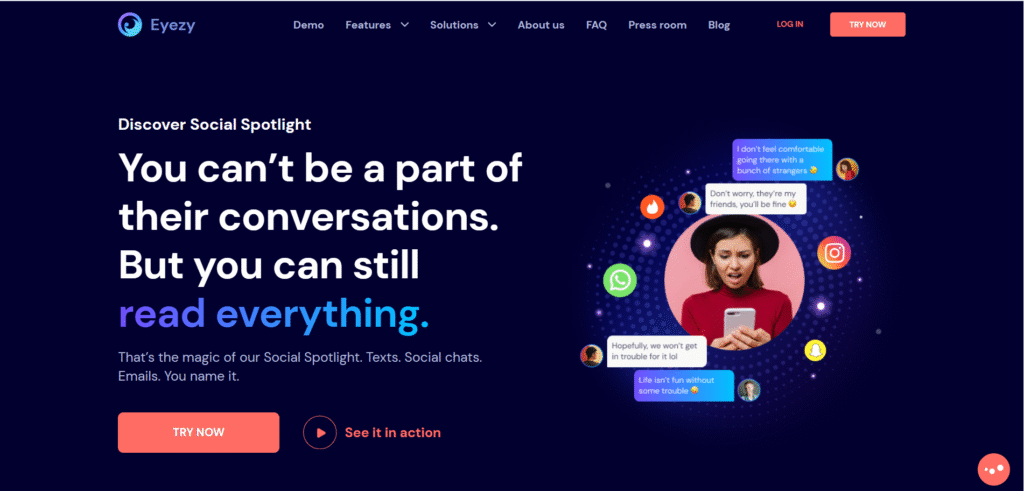
This is probably the feature most parents care about.
Eyezy supports monitoring for several major social media and messaging platforms, including:
- Snapchat
- Facebook Messenger
- Telegram
Parents can view conversations, timestamps, and contact activity depending on device permissions and compatibility.
For families concerned about disappearing messages and hidden chats, this feature can provide useful visibility.
Parents concerned about disappearing chats may also want to learn how uMobix makes WhatsApp supervision simple.
If you want broader guidance on tracking children’s digital activity responsibly, you can also read about reliable monitoring tools for parents on Fagup.
2. GPS Location Tracking
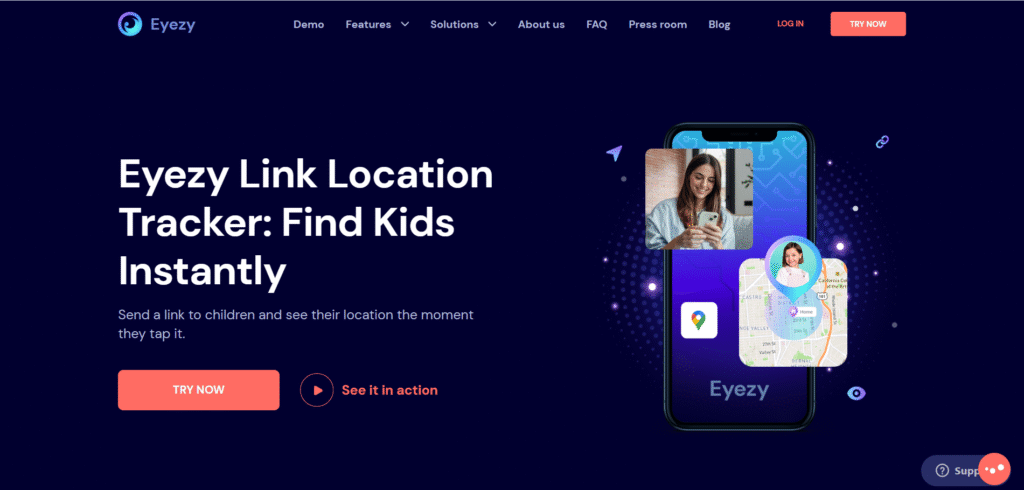
The GPS tracking system worked smoothly during testing.
Eyezy lets parents:
- View current device location
- Check location history
- Create geofencing alerts
- Monitor travel patterns
Geofencing is especially useful because it alerts parents when a child enters or leaves selected locations like school or home.
For busy parents, this adds peace of mind without requiring constant phone calls.
3. Screen Recorder and Screenshots
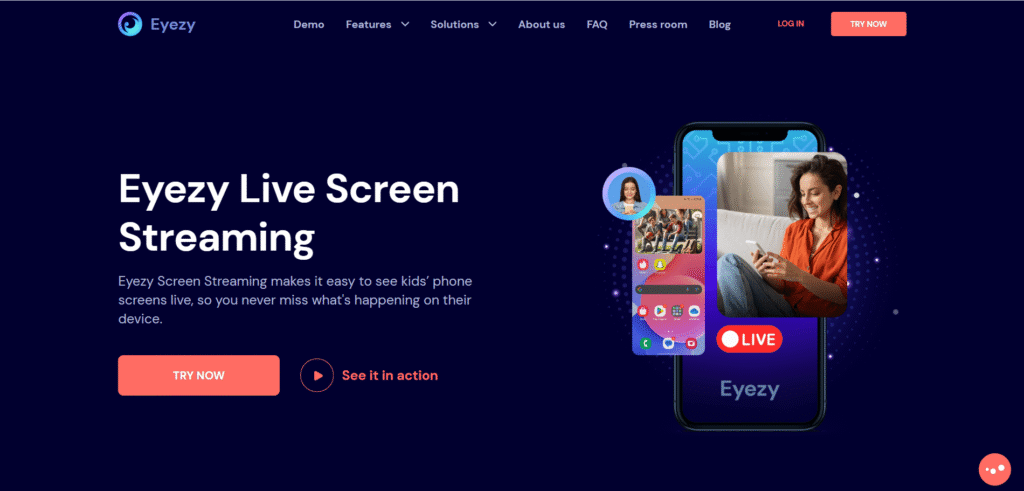
One feature that stood out was automatic screenshot capturing.
Instead of relying only on text logs, Eyezy records visual activity from the device. This can help parents better understand what their child is actually doing online.
The screen recording tools may help identify harmful content, suspicious chats, or risky behavior that text-only monitoring might miss.
4. Keyword Alerts
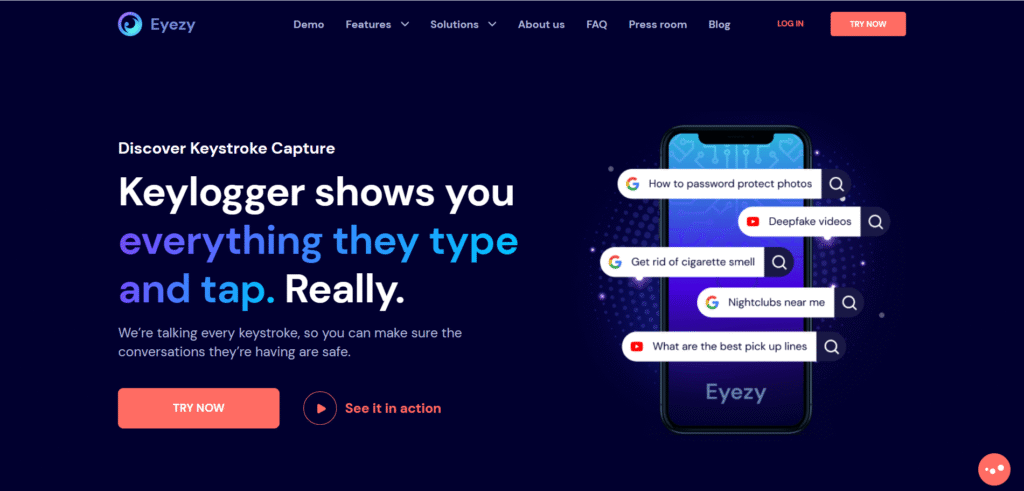
This feature deserves more attention than it usually gets.
Parents can create custom keyword alerts for words related to bullying, drugs, self-harm, or dangerous behavior. If the monitored device detects those words, Eyezy sends a notification.
This proactive approach can help parents identify problems before they become serious.
5. Web Browsing Monitoring
Eyezy also tracks browsing activity.
Parents can review:
- Visited websites
- Search history
- Browser bookmarks
- Frequently accessed pages
This feature helps parents understand the type of content their child consumes online.
What I Liked About Eyezy
After testing the platform, several strengths became clear.
Easy-to-Use Dashboard
Everything feels organized and beginner-friendly. Parents without technical experience can still navigate the platform comfortably.
Strong Social Media Coverage
Eyezy supports many of the apps children use most frequently today.
Useful Location Features
The real-time GPS tracking and geofencing alerts worked reliably during testing.
Clean User Interface
The dashboard looks modern instead of outdated or cluttered.
Helpful Alert System
Keyword tracking and notifications make the app feel proactive rather than reactive.
Families searching for a reliable monitoring app often compare different platforms before deciding which one fits their parenting needs.
What Could Be Better
No monitoring app is perfect, and Eyezy also has some weaknesses.
Pricing Can Feel Expensive
The subscription cost may feel high for some families, especially if they need long-term monitoring.
Monthly plans are noticeably more expensive than annual subscriptions.
iPhone Restrictions
Like most monitoring apps, Eyezy faces limitations on iOS devices because of Apple’s security policies.
Some advanced features may work better on Android.
Installation May Require Physical Access
Parents usually need direct access to the child’s device during setup. Some users may find the installation process slightly technical.
Is Eyezy Safe and Legal?
This is an important question.
Parental monitoring apps are generally legal when parents monitor devices owned or used by their minor children. However, laws vary by country and region.
Eyezy also claims to use encrypted systems to protect user data.
Still, parents should always use monitoring apps ethically and responsibly. The goal should be child safety and guidance, not excessive control.
Who Should Use Eyezy?
Eyezy may be a good fit for:
- Parents of teenagers active on social media
- Families concerned about online safety
- Parents wanting location tracking features
- Busy parents needing digital visibility
- Families trying to reduce risky online behavior
It may not be ideal for parents looking for a very cheap monitoring solution.
Is Eyezy Worth the Subscription Fee?
After reviewing the platform carefully, I would say Eyezy offers solid value for parents who genuinely need advanced monitoring features.
The app combines location tracking, social media monitoring, keyword alerts, screenshots, and browsing supervision in one dashboard. That convenience alone makes it attractive.
The biggest downside is pricing. Some families may hesitate because subscription plans are not the cheapest available.
However, if online safety is a serious concern in your household, the extra cost may feel justified.
For parents who want a modern monitoring app with strong features and an easy learning curve, Eyezy is definitely worth considering.
Final Verdict
Eyezy succeeds in doing what many parents actually need today: providing visibility into a child’s digital world without making the process overly complicated.
It is not perfect, and the subscription fee may feel premium, but the feature set is impressive for families prioritizing online safety.
If you are still comparing options, this guide to the best cell phone tracker apps for child safety in 2026 can help you choose the right platform.
If your main goal is to stay informed about your child’s smartphone activity while maintaining a manageable user experience, Eyezy performs better than many competing monitoring apps currently available.