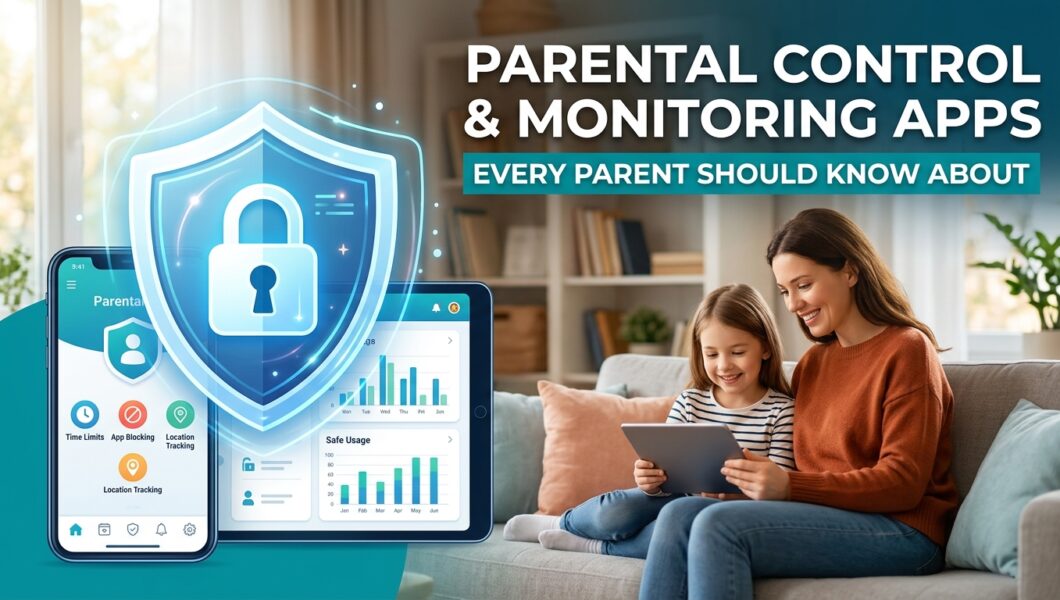
Children today grow up with smartphones in their hands. While these devices help them learn, stay connected, and entertain themselves, they also expose them to risks that many parents never had to face. From inappropriate content and online predators to excessive screen time and cyberbullying, the digital world can be difficult to navigate.
As a parent, I understand that simply telling children to “be careful online” is no longer enough. They need guidance, healthy boundaries, and sometimes a little extra supervision. That is exactly where a reliable parental control and monitoring app can make a real difference.
The good news is that today’s tools are smarter than ever. They allow parents to encourage responsible phone use while respecting their child’s growing independence.
If you’re still comparing your options, check out our guide to the best parental control apps and cell phone trackers for parents to see which solution fits your family’s needs.
In this guide, I’ll walk you through the parental control and tracking apps every parent should know about, the features that matter most, and how to choose the right one for your family’s needs.
Why Parents Are Using Monitoring Apps More Than Ever
Technology has become a normal part of childhood. Many children receive their first smartphone before entering their teenage years. While this brings convenience, it also creates new parenting challenges.
Parents commonly worry about:
- Excessive screen time
- Exposure to inappropriate websites
- Cyberbullying
- Online strangers
- Social media addiction
- Location safety
- Secret messaging apps
A quality monitoring app gives parents better visibility into their child’s digital habits. Instead of constantly checking over their shoulder, parents can use technology to support healthier digital behavior and identify potential risks early.
The goal isn’t to spy on children. It is to create a safer online environment while teaching them responsible technology use.
What Is a Parental Control App?
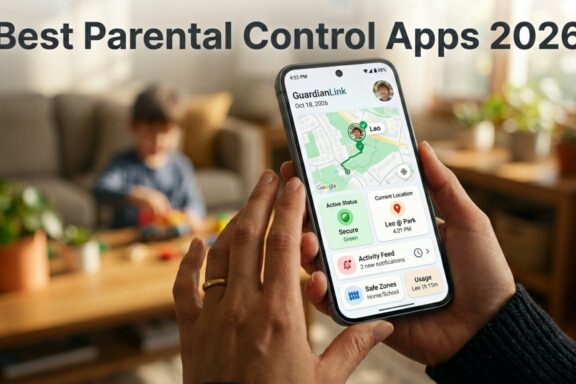
A parental control app is software that helps parents manage and monitor their child’s smartphone, tablet, or computer.
Depending on the app, parents can:
- View device activity
- Monitor screen time
- Filter inappropriate websites
- Manage app usage
- Track device location
- Receive activity alerts
- Set digital boundaries
Some apps focus mainly on screen time management, while others provide more advanced monitoring features for parents with older children.
Understanding your family’s needs will help determine which solution is most appropriate.
Essential Features Every Parent Should Look For
Not every tracking app offers the same capabilities. Before choosing one, I recommend focusing on features that genuinely improve your child’s digital safety.
Screen Time Management
One of the most valuable features is the ability to control daily device usage.
Parents can:
- Set daily limits
- Create bedtime schedules
- Pause device access
- Encourage healthy routines
This helps children maintain a healthier balance between online activities and real life.
GPS Location Tracking
Knowing where your child is can provide peace of mind, especially when they travel independently.
Good tracking apps allow parents to:
- View current location
- Review location history
- Create safe zones
- Receive arrival and departure notifications
These features are especially helpful for school commutes and after-school activities.
App Monitoring
Children install new apps quickly, sometimes without fully understanding the risks involved.
Monitoring apps allow parents to:
- See installed applications
- Block inappropriate apps
- Monitor app activity
- Limit usage of distracting applications
If your priority is knowing your child’s whereabouts, explore our guide to the best GPS tracking apps every parent should know.
Web Filtering
The internet contains an enormous amount of useful information, but not every website is suitable for children.
Web filtering helps by:
- Blocking adult websites
- Preventing harmful searches
- Creating custom website allowlists
- Managing browser activity
Social Media Monitoring
Many online risks begin on social media platforms.
Advanced monitoring apps can help parents stay informed about activity on messaging and social platforms while encouraging healthy online communication.
Best Parental Control and Monitoring Apps
Choosing the right solution depends on your parenting style and your child’s age. Below are some of the most popular options available today.
1. uMobix
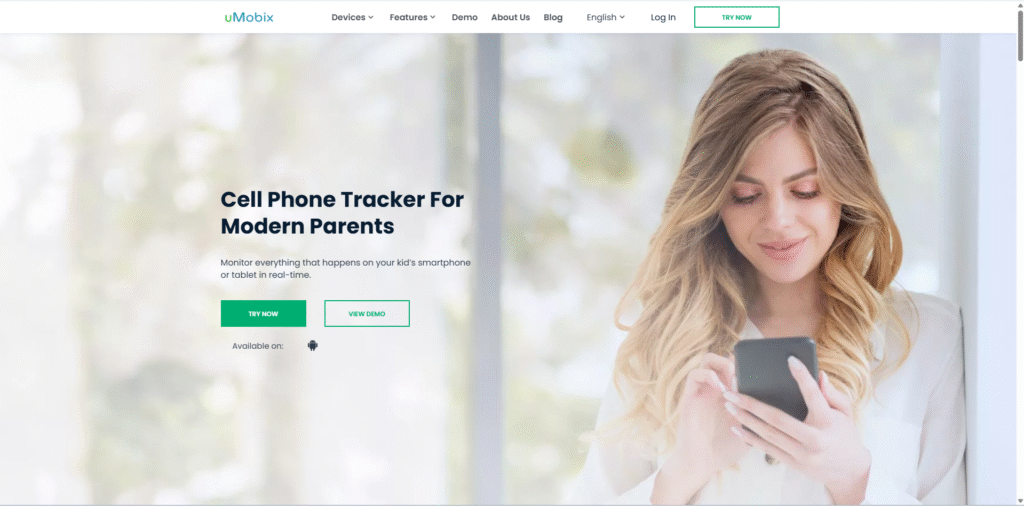
uMobix is designed for parents who want detailed insights into their child’s smartphone activity.
It offers features such as:
- GPS tracking
- Social media monitoring
- App activity
- Browser history
- Contact monitoring
- Call information
It is particularly useful for parents of teenagers who spend significant time online.
Try uMobix – Start monitoring your child’s digital life for online safety
2. mSpy
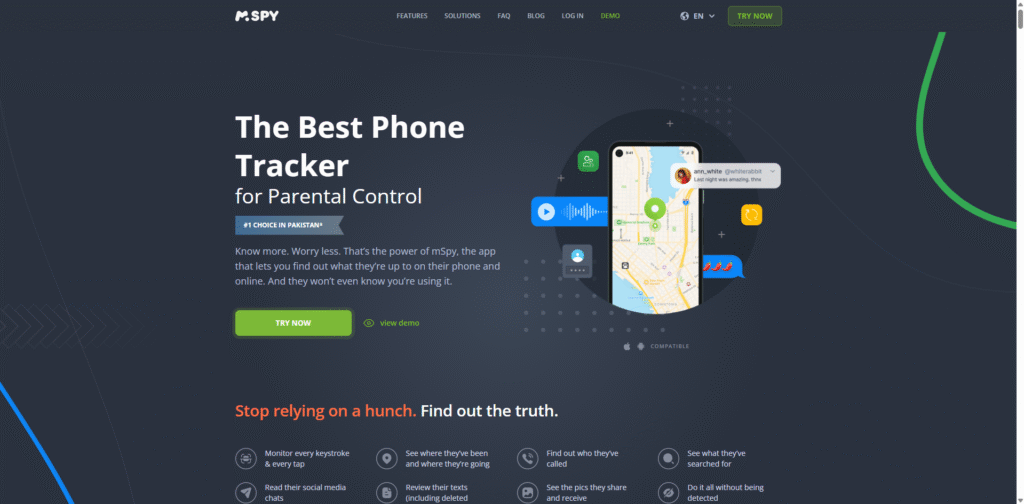
mSpy has become one of the best-known parental monitoring solutions because it combines powerful monitoring with an easy-to-use dashboard.
Popular features include:
- Screen activity monitoring
- GPS location tracking
- Keyword alerts
- Browser history
- App usage reports
- Geofencing
Many parents appreciate its balance between comprehensive monitoring and user-friendly design.
3. Eyezy
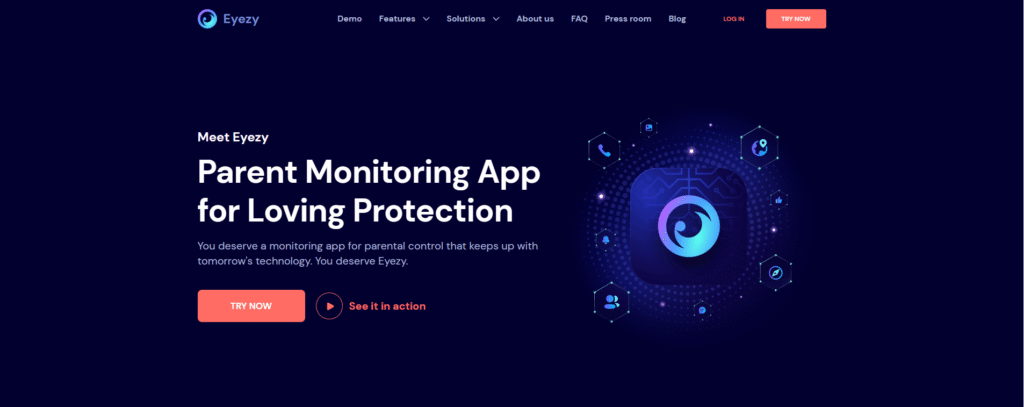
Eyezy focuses on helping parents understand digital behavior rather than simply collecting information.
Its strengths include:
- Screen time insights
- Location tracking
- Website monitoring
- Social media monitoring
- Activity reports
The dashboard is clean, making it suitable for parents who are new to monitoring apps.
4. Spynger
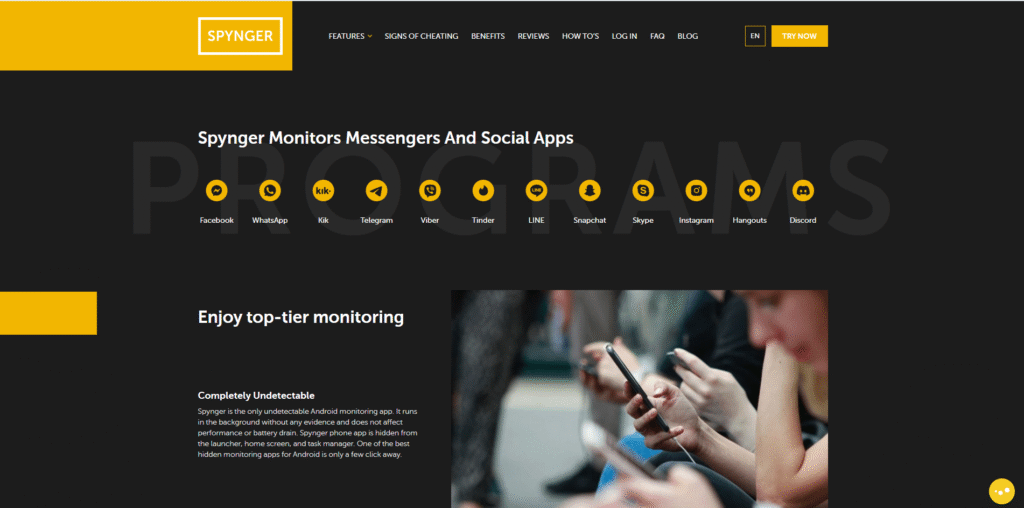
Spynger offers a variety of monitoring features for parents who want greater visibility into smartphone usage.
It includes:
- GPS tracking
- Messaging insights
- Browser activity
- Installed apps
- Device information
Its straightforward interface makes navigation simple for beginners.
How to Choose the Right Tracking App
There isn’t one perfect solution for every family.
Instead, ask yourself these questions:
How old is your child?
Younger children often benefit most from:
- Screen time controls
- Content filtering
- App restrictions
Teenagers may require:
- Location tracking
- Activity monitoring
- Social media awareness
Which device do they use?
Some apps perform better on Android, while others offer stronger iPhone compatibility.
Always verify compatibility before subscribing.
What are your main concerns?
Every family has different priorities.
You may be most concerned about:
- Online safety
- Screen addiction
- Physical location
- Social media
- Gaming habits
Choose a monitoring app that focuses on solving your biggest concern instead of paying for features you’ll never use.
Tips for Using Monitoring Apps Responsibly
Technology should support parenting, not replace it.
I always recommend using monitoring apps openly whenever possible, especially with older children.
Here are a few best practices:
- Explain why you’re using the app.
- Focus on safety rather than punishment.
- Respect age-appropriate privacy.
- Review reports together.
- Encourage honest conversations about online experiences.
Children are far more likely to accept digital boundaries when they understand that monitoring comes from care rather than distrust.
Common Mistakes Parents Should Avoid
Many parents install a tracking app and assume their work is finished.
Unfortunately, technology alone cannot guarantee online safety.
Avoid these common mistakes:
- Ignoring activity alerts
- Never updating app settings
- Monitoring without communicating
- Choosing apps based only on price
- Expecting technology to replace parental involvement
The most effective digital parenting combines smart technology with open communication.
Frequently Asked Questions
Are parental control apps legal?
Yes. In most countries, parents are legally allowed to monitor devices owned or used by their minor children. However, local laws may vary, so it’s always wise to understand the regulations in your region.
Do monitoring apps work on both Android and iPhone?
Many leading parental control apps support both Android and iPhone, although available features may differ depending on the operating system.
Can my child tell if a monitoring app is installed?
This depends on the application and how it is configured. Some parental control apps are designed to be visible so families can use them transparently, while others provide more discreet monitoring options.
Will monitoring apps slow down the phone?
Most reputable apps have minimal impact on device performance when installed correctly and kept up to date.
Final Thoughts
Parenting in the digital age comes with challenges that previous generations never experienced. Fortunately, modern technology also provides tools that can help parents guide their children safely through the online world.
The best parental control, monitoring app, or tracking app is one that fits your family’s needs, encourages healthy digital habits, and strengthens communication instead of replacing it.
Remember, no app can substitute for trust, education, and regular conversations. When combined with active parenting, however, these tools become valuable partners in helping children explore technology safely and responsibly.