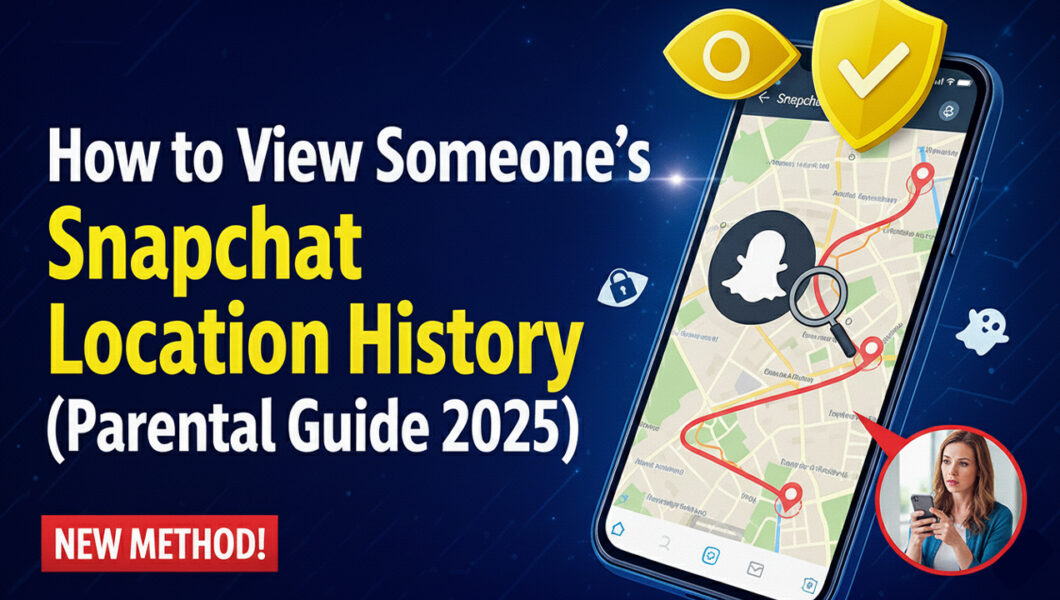
In today’s digital world, Snapchat has become one of the most popular apps among teens. With its disappearing messages and playful filters, it’s easy to see why young people love it. But for parents, Snapchat can raise real concerns — especially when it comes to knowing where your child is and who they’re connecting with online.
If you’ve ever wondered how to view someone’s Snapchat location history, you’re not alone. Many parents are looking for safe, responsible ways to monitor their child’s movements and online interactions without crossing ethical lines. This guide explains everything you need to know — including how to use trusted parental control tools to track Snapchat activity effectively.
Understanding Snapchat’s Location Features
Snapchat offers a feature called Snap Map, which allows users to share their real-time location with friends. It’s a fun, interactive map that shows where someone was last active. However, what many parents don’t realize is that Snapchat doesn’t store a full location history.
Here’s what Snap Map does:
- Shows a user’s live location when they’re active on the app
- Updates only when the user opens Snapchat
- Automatically disappears after a few hours of inactivity
- Can be turned off anytime using “Ghost Mode”
In short, Snap Map gives you a snapshot, not a timeline. You can see where your child is, but not where they was earlier in the day.
Why Parents Want to View Snapchat Location History
For many parents, this isn’t about snooping — it’s about safety. Today’s teens are constantly on the move and often share personal information online without realizing the risks. Knowing where they’ve been can help parents:
- Ensure their child arrives safely at school or friends’ homes
- Track late-night outings or unexpected detours
- Detect potential risky behavior or contact with strangers
Modern parenting is as much about digital awareness as it is about real-world guidance. Location tracking can provide peace of mind — especially when used responsibly.
Can You View Someone’s Snapchat Location History Directly?
Unfortunately, Snapchat does not allow anyone to view full location history through its app. You can only see:
- The current or last known location (if shared)
- The time of the last update
- The bitmoji avatar on Snap Map
There’s no built-in feature that records or displays location history logs. This limitation is one of the main reasons parents turn to parental control applications that specialize in real-time GPS tracking and Snapchat monitoring.
How Parental Control Tools Help Track Snapchat Location History
Modern parental control apps provide a complete digital overview — including GPS data, app usage, messages, and social media activity. These tools don’t rely on Snapchat’s limited features; instead, they track device-level location data securely.
Below are some of the most trusted apps parents use today.
Spynger: Comprehensive Digital Monitoring
Spynger offers a powerful suite of monitoring features for parents who want complete visibility over their child’s phone activity. Its location tracking system provides detailed route history, showing where the device has been throughout the day.
In addition to GPS data, Spynger allows parents to view Snapchat messages, contacts, and media files, making it a well-rounded tool for online safety supervision.
uMobix: Real-Time GPS and Snapchat Insights
uMobix stands out for its live GPS tracking feature that updates location data in real-time. Parents can view location routes, timestamps, and even the duration spent at each place.
Beyond GPS, uMobix provides deep insights into Snapchat usage, allowing parents to monitor messages, friend lists, and in-app interactions. It’s a great choice for families seeking an intuitive, easy-to-use interface.
mSpy: Trusted and Reliable Parental Control
mSpy is one of the most popular parental monitoring tools globally — and for good reason. It offers precise GPS location tracking with the ability to review movement history, create geofences, and receive alerts when your child enters or leaves certain areas.
Its Snapchat monitoring tools help parents review chat logs and shared media discreetly. mSpy is particularly useful for parents who prioritize detailed reporting and reliability.
Eyezy: Smart Location Tracking with Advanced Analytics
Eyezy combines smart analytics with user-friendly tracking tools. Its “Pinpoint” feature allows you to view exact locations on an interactive map, while “Magic Alerts” notify you about unusual activity.
Eyezy also provides insights into Snapchat communication patterns, helping parents identify red flags early. It’s designed for those who want proactive protection rather than after-the-fact discovery.
Responsible Monitoring: A Parent’s Role
While technology provides powerful tools, the goal should always be safety, not surveillance. Responsible monitoring means:
- Informing your child (where appropriate) about device supervision
- Using tools to ensure well-being, not control
- Encouraging open communication about online safety
Parents should balance guidance with trust, showing children that monitoring comes from care, not suspicion.
Steps to View Someone’s Snapchat Location History Safely
Here’s a simple, parent-approved approach:
- Check Snap Map First
Open Snapchat → Tap the map icon → View your child’s Bitmoji location.
(Note: this only shows the current location if shared.) - Use a Trusted Parental Control App
Install one of the reliable apps like Spynger, uMobix, mSpy, or Eyezy on your child’s device (with consent). - Enable GPS Tracking
Set the app to track real-time movements and save location history. - Review Location Logs
Access your dashboard anytime to see where your child has been, ensuring their safety throughout the day. - Communicate and Educate
Explain to your child why you’re monitoring — to keep them safe, not to invade privacy.
Final Thoughts
While Snapchat’s own features are limited to showing live location, parental control apps fill in the gaps by offering complete location history tracking and Snapchat activity insights.
Whether you choose Spynger, uMobix, mSpy, or Eyezy, these tools give parents the peace of mind they need in today’s fast-moving digital world.Used responsibly, they don’t just track — they protect. And that’s what modern parenting is all about.